


See what your child has been practising
The Vishwa parent experience is designed to help you manage child profiles and review recorded activity in straightforward language. Activity results support conversations at home; they are not a complete assessment of your child.
 01
Create your account
Use your own parent account so child profiles and activity information stay connected to the right family.
 02
Add a child profile
Create a separate profile for each child who will use the available Vishwa Kids activities.
 03
Choose an activity together
Check the activity description and suitability guidance instead of choosing by age alone.
 04
Review recorded activity
Look at completed lessons, attempts, quiz results, or time recorded where those details are available.
A simple way to support practice at home
The final onboarding flow will be confirmed before public registration opens.
Use app results as a conversation starter
A score or completion record shows what happened in an activity. It does not measure every part of a child’s learning or replace feedback from parents and teachers.
 01
Ask what they did
Invite your child to explain the activity in their own words.
 02
Notice repeated difficulty
Use several attempts as a prompt to practise together without labelling the child.
 03
Celebrate useful effort
Recognise careful thinking, trying again, and asking for help—not only high scores.
 04
Keep a balanced routine
Fit app use around sleep, movement, play, family time, and school responsibilities.
Practical account information
Final access, subscription, and data-management instructions will be added when those flows are verified.
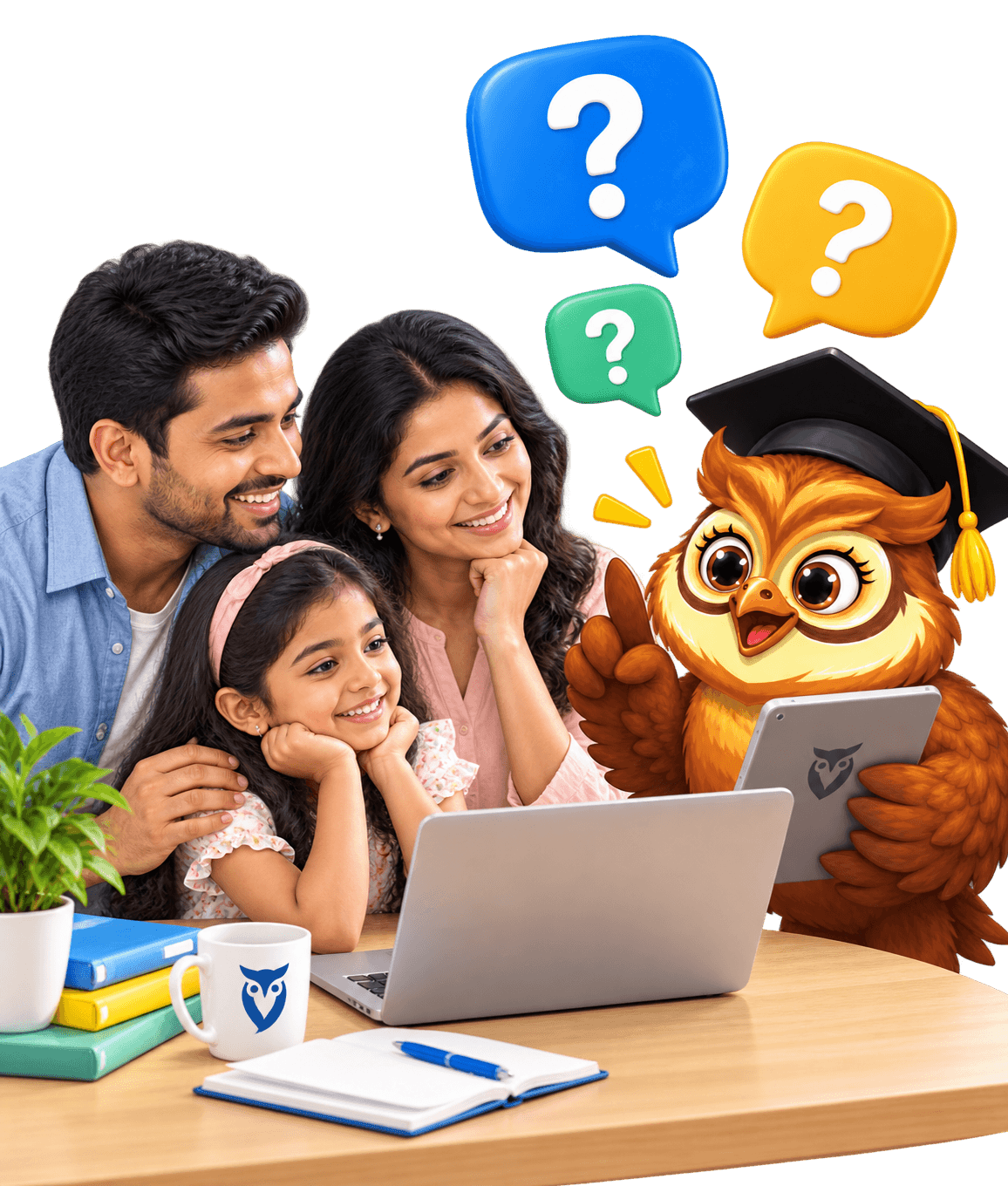
The parent experience is intended to show child profiles and recorded learning activity, including available lesson and quiz information. The exact screens may change before launch.